 Dupey Consulting
Field note
Kolton Dupey7 min read
How to Create a Salesforce Utility Bar App That Dynamically Gets the Record ID from the URL
CRM
Quick summary
Learn how to build a Lightning Web Component that extracts record IDs from URLs and passes them to Flows in the Utility Bar, enabling context-aware automations across any Salesforce object.
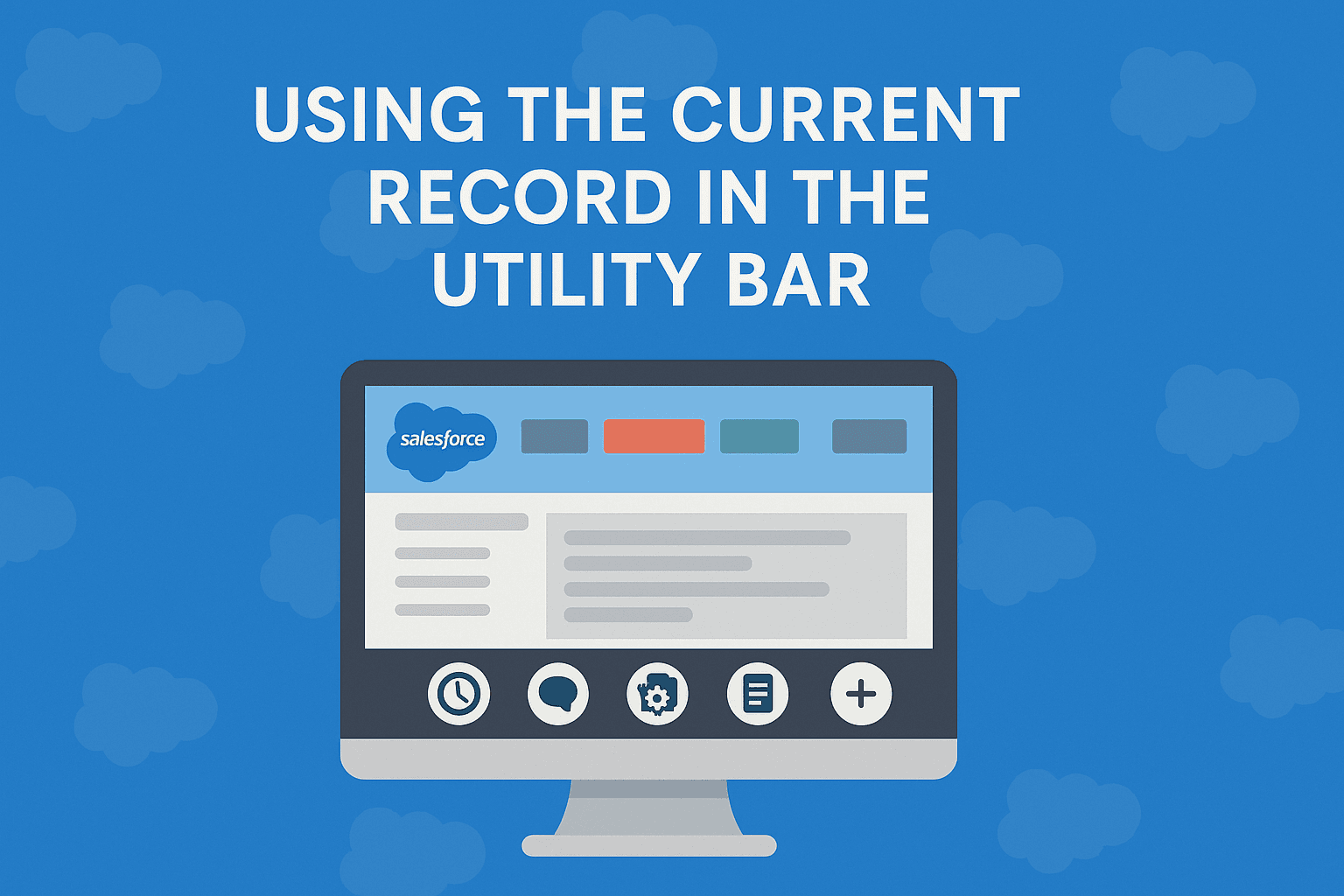
The problem
Flows launched from the Utility Bar do not receive `recordId` the way embedded Record Page flows do - so downstream steps lose record context.
The fix
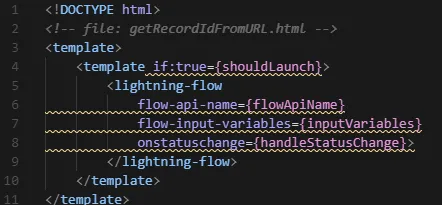
A small LWC reads the current URL, extracts `recordId` with regex, and passes it into `lightning-flow` so Utility Bar launches behave like record-page launches.
recordId to a utility bar component by default. But with a simple
Lightning Web Component (LWC), you can grab it directly from the URL.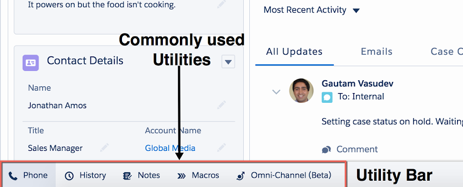
📍 The Use Case
- Generate a pre-filled form
- Display compliance info
- Kick off a custom automation
⚠️ The Challenge
recordId. But when launched from the Utility Bar, you're
outside the page context-so the recordId is NOT passed.🔧 The Solution: Parse the URL
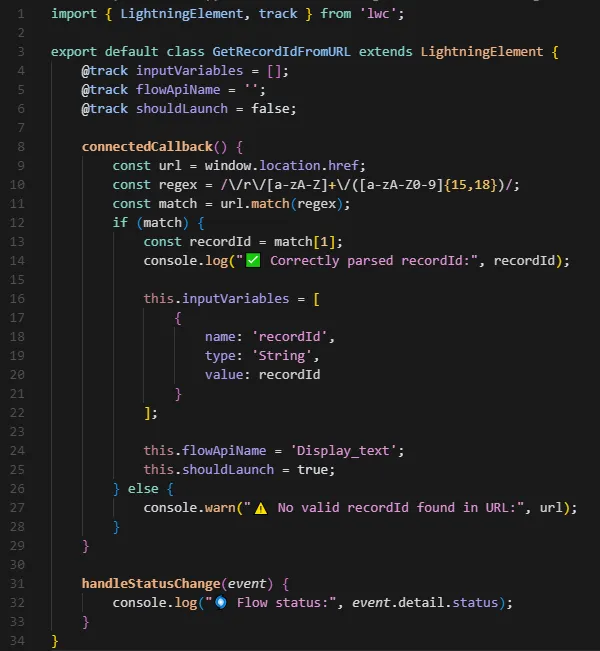
- Reads the current URL
- Uses regex to extract the
recordId - Passes it to any Flow via the
lightning-flowcomponent
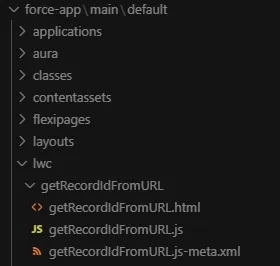
📂 File Structure (Salesforce DX project)
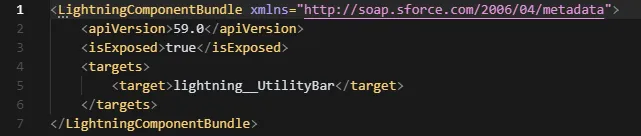
📄 Code Summary

🚀 Deploying with Salesforce CLI
🔢 Flow Setup
- Create a new Screen Flow.
- Add a Text Variable named
recordId, mark it as Available for Input. - Use it however you'd like-Get Records, Decisions, Screens, etc.
🧭 Add to the Utility Bar
- Go to Setup → App Manager
- Edit your Lightning App
- Add a Utility Bar item: select your new
getRecordIdFromURLcomponent
🛠 Troubleshooting Tips
- Confirm your Flow's input variable is named
recordId - Use
console.login JS to validate what's being parsed - Add a decision element in your Flow to detect when
recordIdis blank
🚀 Final Thoughts
Related services
If you need this kind of work for your business, these are the closest scoped service pages.
More field notes
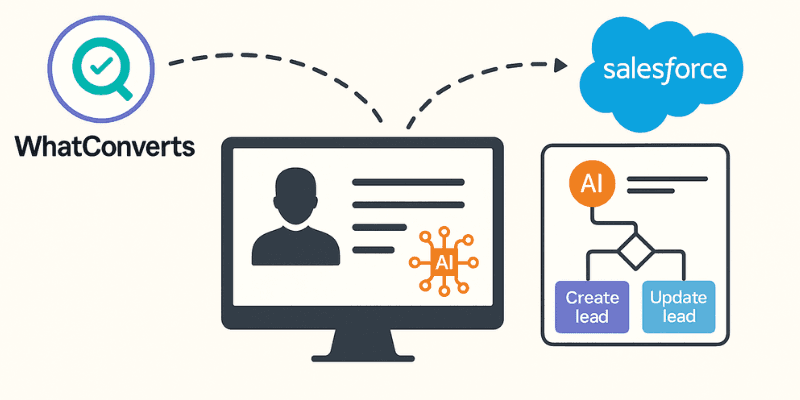
From Click to CRM - Automating Lead Flow from WhatConverts to Salesforce with AI-Powered Precision
Discover how to build an intelligent automation system that captures leads from WhatConverts and seamlessly integrates them into Salesforce with AI-enhanced data processing using Zapier.
5 min read · 2025-07-14
Read field note →
Automating Lead Capture from WiserAdvisor with Python + Selenium
In the world of financial lead generation, speed matters. Learn how I built a Python automation script that captures leads from WiserAdvisor and sends them to Salesforce CRM, running 24/7 on a Raspberry Pi.
8 min read · 2025-07-04
Read field note →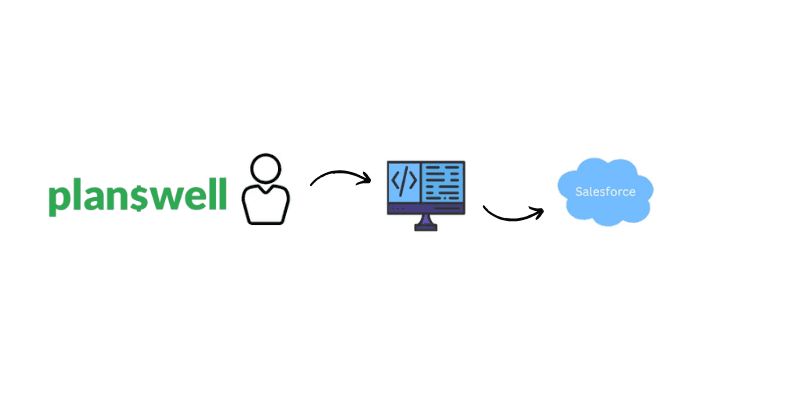
Automating Planswell Lead Capture: From API to CRM in Minutes
Learn how we streamlined our lead capture process from Planswell using their GraphQL API to automatically route leads to our CRM, saving hours of manual work while improving response times.
4 min read · 2025-07-02
Read field note →Running into something similar?
This note is from a real constraint and a real project. If you are dealing with something adjacent, send a message or book a short call - I will give you a straight answer on scope and fit.