 Dupey Consulting
PROJECT / SYSTEMS
WhatConverts → Salesforce
LEAD CAPTURE + CRM AUTOMATION
Paid leads were sitting in one tool while sales waited on manual CRM entry. Built a pipeline so new leads land in Salesforce in seconds, ready to call.
- Project type
- Lead capture + CRM automation
- Role
- Automation consultant
- Systems
- WhatConverts · Zapier · Salesforce
- Status
- Internal system
THE STARTING POINT
The lead was captured. Salesforce still waited.
Financial advisors running Google Ads were collecting form fills and phone calls in WhatConverts. Salesforce was where the team actually worked the lead. Until someone typed the record in by hand, it sat in the tracking tool - slow to reach sales, easy to duplicate, and missing from the CRM until a person had time.
THE FLOW
From the tracking tool into the CRM.
A Zapier pipeline starts when a new lead arrives in WhatConverts. It prepares the data, looks for an existing person in Salesforce, then creates or updates a Lead and assigns an owner. Campaign source from WhatConverts stays on the record.
- 01WhatConvertsNew form or call lead from Google Ads
- 02ZapierParse, match, and branch
- 03SalesforceCreate or update the Lead
- 04AssignmentOwner from zip-to-branch mapping
WHAT I BUILT
The work is the logic between the systems.
I built a Zapier pipeline - not a custom Salesforce app. The inbound lead is parsed, matched against existing records, written as a Lead, and routed to a Salesforce user. Ad source from WhatConverts is stored with the record so marketing can see which campaigns produced it.
WHATCONVERTS · ZAPIER · SALESFORCE
INGEST
- New WhatConverts lead - forms and calls
- Zapier starts as soon as the lead is captured
MATCH
- Full name split for Salesforce
- Lookup existing Contact or Lead by email or phone
WRITE / ROUTE
- Create a Lead, or update the existing Lead
- Zip-to-branch mapping sets the owner
- Ad source from WhatConverts stays on the record
THE LOGIC BETWEEN THE SYSTEMS
Not a straight copy from A to B.
WhatConverts data is messy - a full name, a free-form message, a mix of new and returning people. The Zap has to decide what Salesforce already knows before it writes anything.
- 01
Capture
A new lead in WhatConverts starts the Zap.
- 02
Prepare
AI splits the name and reads the message for intent and location.
- 03
Match
Salesforce is searched by email or phone.
- 04
Branch
No Contact or Lead → create a Lead. Lead exists, no Contact → update that Lead.
- 05
Route
Zip-to-branch mapping assigns the Salesforce user.
- 06
Record
The Lead is written with source information from WhatConverts.
WHERE IT LANDED
Inbound leads now land in Salesforce as structured records - matched, routed, and tagged with where they came from - instead of waiting on someone to type them in.
I designed and built the pipeline. It runs as an internal system.
MORE WORK
01PRODUCT
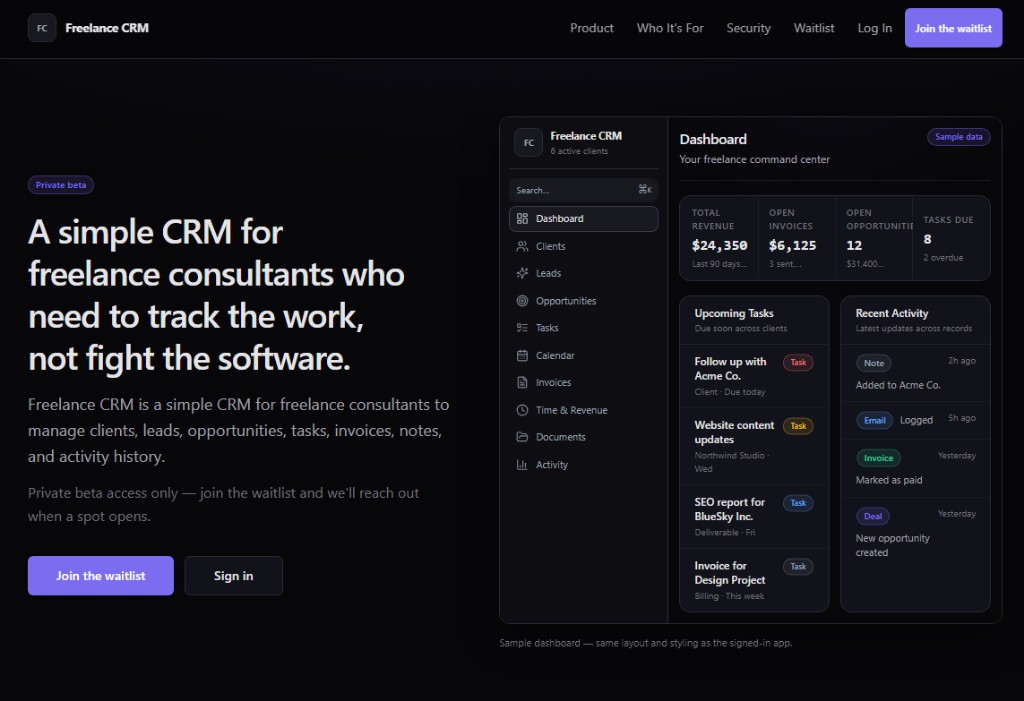
Freelance CRM
A simple CRM I built for my own consulting work - clients, leads, opportunities, tasks, time, and invoices in one place, without fighting Salesforce-scale software.
VIEW PROJECT →02WEBSITE
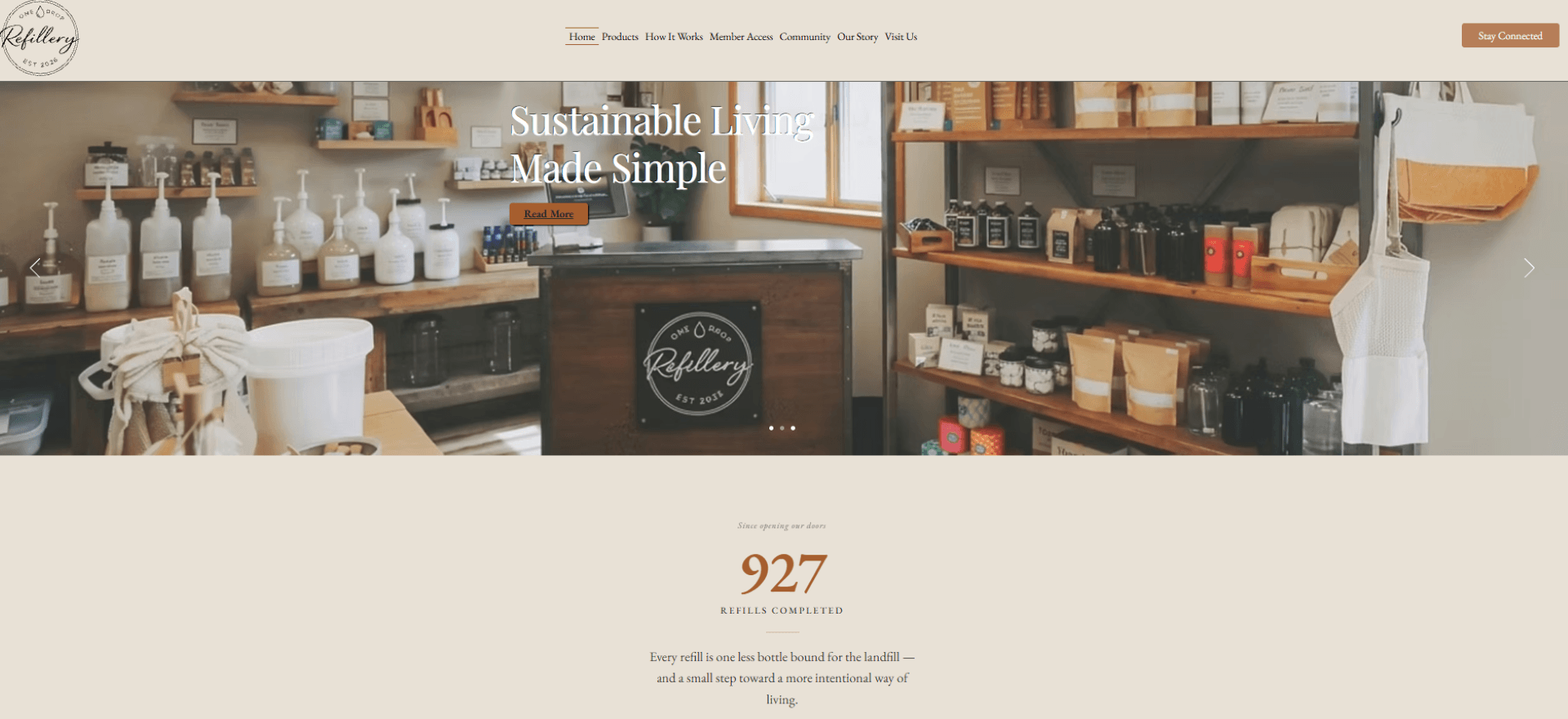
One Drop Refillery
A local refill shop needed a website that matched the store - Square checkout, pickup, events, and analytics the owner could run without a developer on call.
VIEW PROJECT →