 Dupey Consulting
SERVICE / SYSTEMS & AUTOMATION
Automation
THE LOOP THAT SHOULD RUN WITHOUT YOU
There's almost always one process eating hours a week that could run on its own - copy-paste between tools, the same follow-up, the same report. The reason it hasn't been fixed usually isn't that it's hard. It's that nobody's had time to build the replacement.
You can hire automation or integrations on their own. You do not need a website, SEO, or CRM engagement to start. Website work is still the usual starting point for many businesses; this is deeper help when the busywork is the bottleneck.
Based in the Chippewa Valley. I work with businesses near and far.
- Typical timeline
- One to three weeks; larger multi-system work up to a month
- Cost
- Written into the scope before work starts
- Connectors
- Zapier or n8n when that's enough; custom when it isn't
WHAT THIS SOLVES
Busywork that shouldn't still need a person.
Replacing repetitive loops - copying between systems, hand-built reports, form follow-ups, notifications, paperwork that gets created and filed by hand - with something that runs on a schedule and tells you when it breaks. A fit if you inherited a process nobody fully understands, or you're the bottleneck between two pieces of software.
WHAT I CAN HELP WITH
Automation and integrations. Hire either.
Repetitive workflow automation
Scheduled jobs that pull, transform, and push data - reports nobody has to assemble, paperwork that sends itself, alerts when a step fails.
Integrations between tools
Most business software has an API. Most businesses don't have anyone who can wire two of them together. Auth, the calls you actually need, rate limits, error states, and enough logging that you trust it without checking daily.
Forms, follow-ups, and notifications
When a form fill, lead, or status change should trigger the next step - email, SMS, a task, or a record in another system - without someone remembering to do it.
Document pipelines
Generate, populate, route, and store PDFs - contracts, onboarding, proposals - so the standard path runs itself and only exceptions need a person.
CRM cleanup is a separate service if Salesforce itself is the problem. Connecting Salesforce to another tool can live here. You can hire this without a website project.
START A PROJECT →WHAT THE WORK LOOKS LIKE
Identify the loop. Codify it. Keep it running.
Map the manual work first
What gets copied, who does it, where it breaks, and what “done” looks like. Sometimes the painful task is the right thing to automate. Sometimes the process is broken, and automating it would only make the broken outcome faster.
Integrations
The work is identifying which calls you actually need, handling auth, dealing with rate limits and error states, and making the connection observable. If a simple connector can do the job safely, we use that. Custom work is for when the steps are too messy, too high-volume, or too important to fail silently.
Documents and e-signatures
Fill templates, send for signature, and file the signed PDFs where they belong. The same approach scales from a shop sending a few dozen proposals a month to high-volume document work.
Time saved matters, but it's the second-order benefit. The first-order benefit is consistency - a script doesn't skip a step on a Friday afternoon. Reliability compounds in ways an hours-saved spreadsheet doesn't capture.
NOT THIS
- RPA platforms that record screen actions (UiPath, Automation Anywhere) - I work in code, not surface-level recorders.
- Enterprise iPaaS rollouts (MuleSoft, Boomi) - those are agency-shaped projects.
SELECTED PROOF
The kind of work this service produces.
01DOCUMENTS
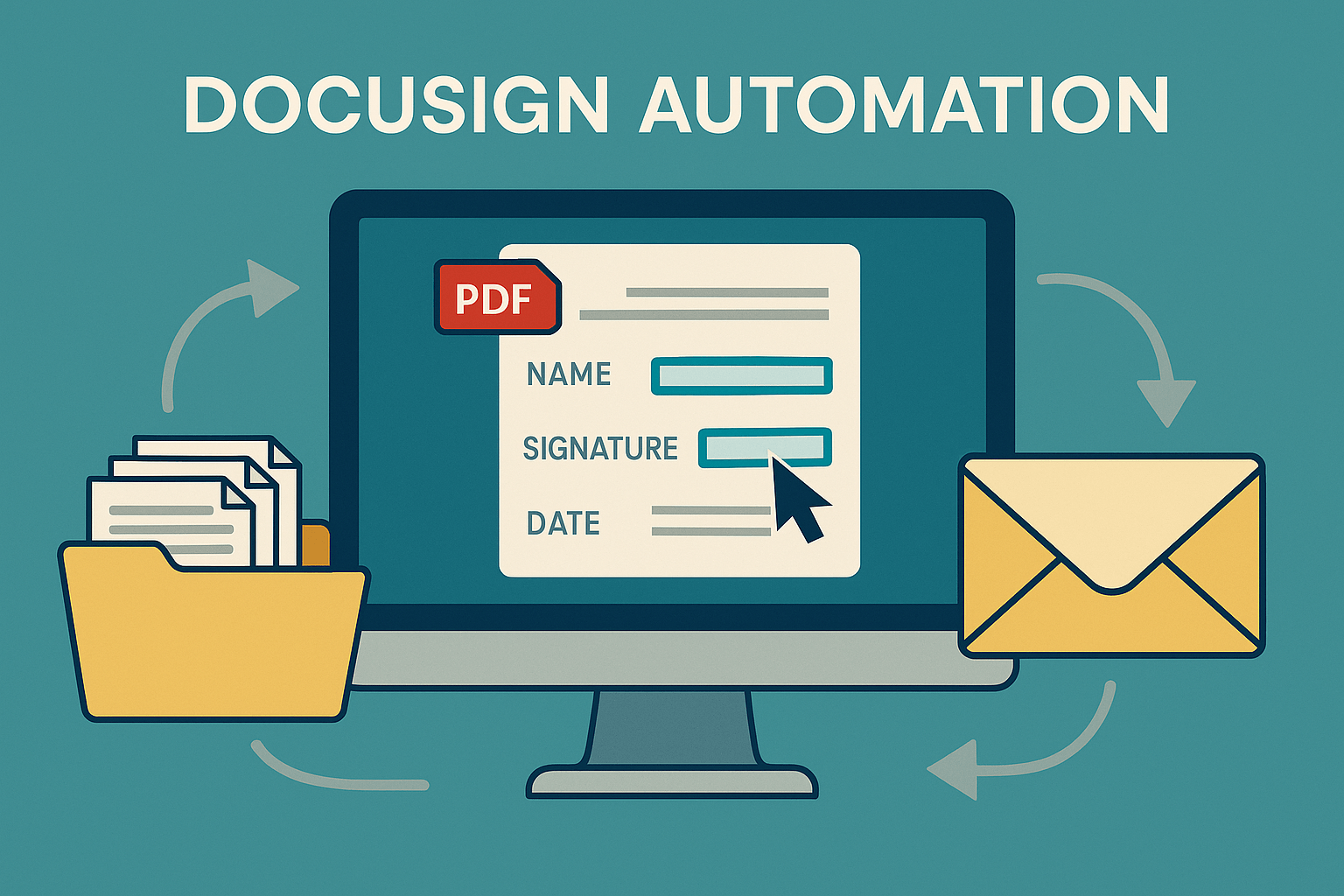
DocuSign Automation
Contracts and forms were still created, sent, and filed by hand. Built a DocuSign pipeline so the standard path runs itself and only exceptions need a person.
02INTEGRATION
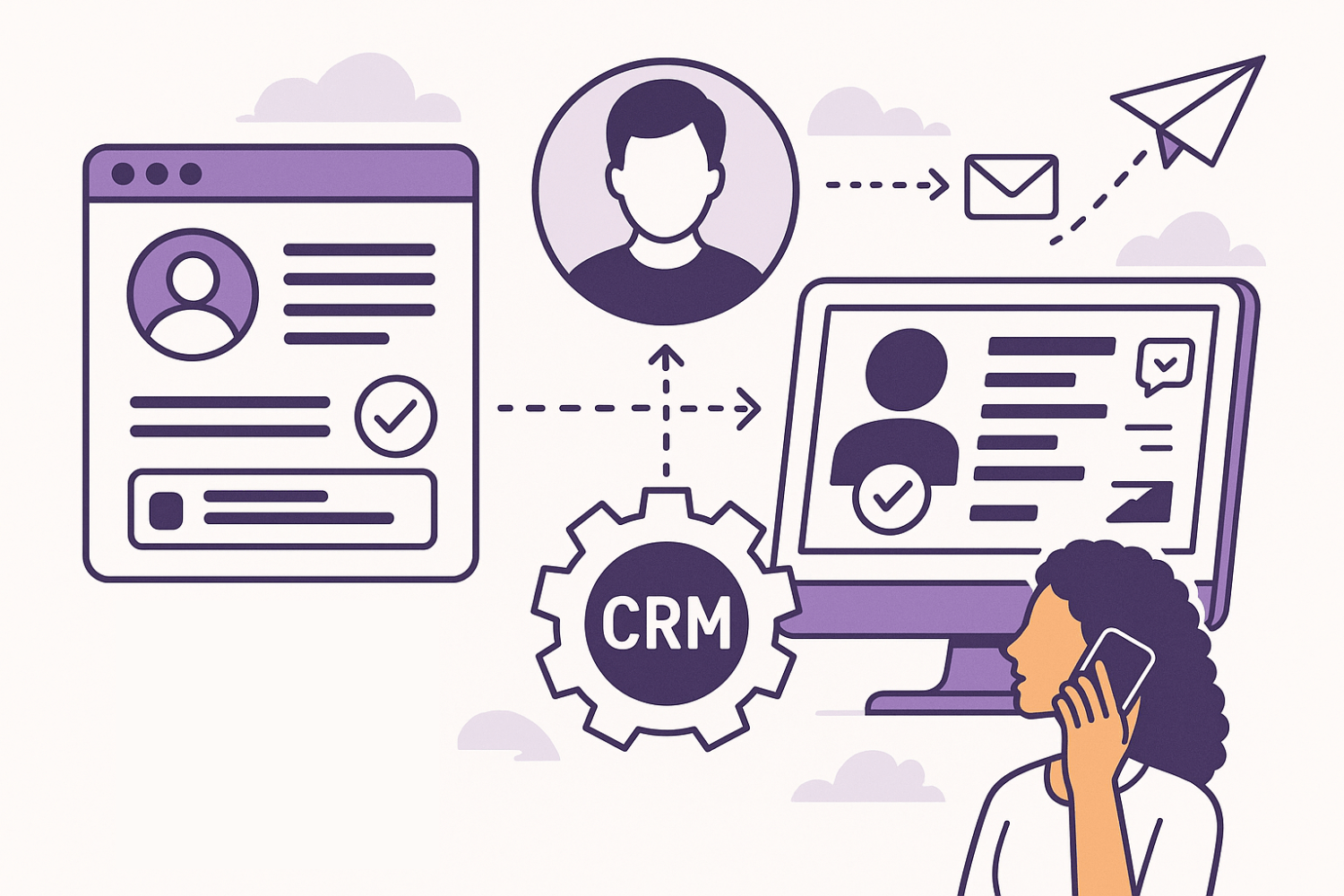
WhatConverts → Salesforce
Paid leads were sitting in one tool while sales waited on manual CRM entry. Built a pipeline so new leads land in Salesforce in seconds, ready to call.
03EXTERNAL DATA
Lead Generation Web Scraping
Leads lived on third-party sites with no clean export. Built a scheduled pipeline that pulls them in, cleans duplicates, and drops them into the CRM ready to call.
HOW AN ENGAGEMENT STARTS
A clear scope before the work starts.
Tell me what needs solving. Then it's built, launched, and supported.
- 01TELL ME WHAT YOU NEED
- 02GET A CLEAR SCOPE
- 03BUILD + LAUNCH
After launch, Website Management is available if you want ongoing website support - optional, not required.
QUESTIONS
A few things people ask before they start.
Can I hire integrations without a bigger automation project?
Yes. Connecting two tools is a complete engagement. A larger automation program is available if you need it later - it is not a requirement.
Do you always build something custom?
No. If a simple connector tool can do the job safely, we use that. Custom work is for when the steps are too messy, too high-volume, or too important to fail silently.
What if the automation breaks?
Silent failures are worse than manual work. Production jobs get logging and alerts so you know when something didn't run - before a customer does.
Can you take over something someone else started?
Often. I read what exists, document what it actually does, then harden or replace the risky parts without stopping the business.
Do you work with documents and e-signatures?
Yes - fill templates, send for signature, and file the signed PDFs where they belong. Common work for me.
HAVE A LOOP THAT SHOULDN'T STILL BE MANUAL?
Tell me what still needs a person.
You'll get a written scope - what's in, what's out, timeline, and cost - before anything gets built.