 Dupey Consulting
Field note
Kolton Dupey10 min read
Automating Earnings Call Intelligence with Python, GPT-4, and Twitter Integration
SaaS · systems
Quick summary
Learn how to build an end-to-end automation pipeline that scrapes earnings call transcripts, summarizes them using GPT-4, extracts sentiment and strategic insights, and posts results to Twitter for scalable financial content production.

📊 Overview
- 🛰️ Transcript Monitor and Processor
- 🧠 Transcript Summary Generator with Twitter Integration
🛰️ Transcript Monitor and Processor
⏰ Monitor for New Transcripts
requests and BeautifulSoup, the script scrapes MarketBeat's
earnings transcript listings. It pulls the ticker, logo, published date,
and transcript URL. Transcripts are only processed if they haven't
already been seen, and checks run during defined market hours (6 AM to 8
PM ET).🧩 Parse and Structure Conversations
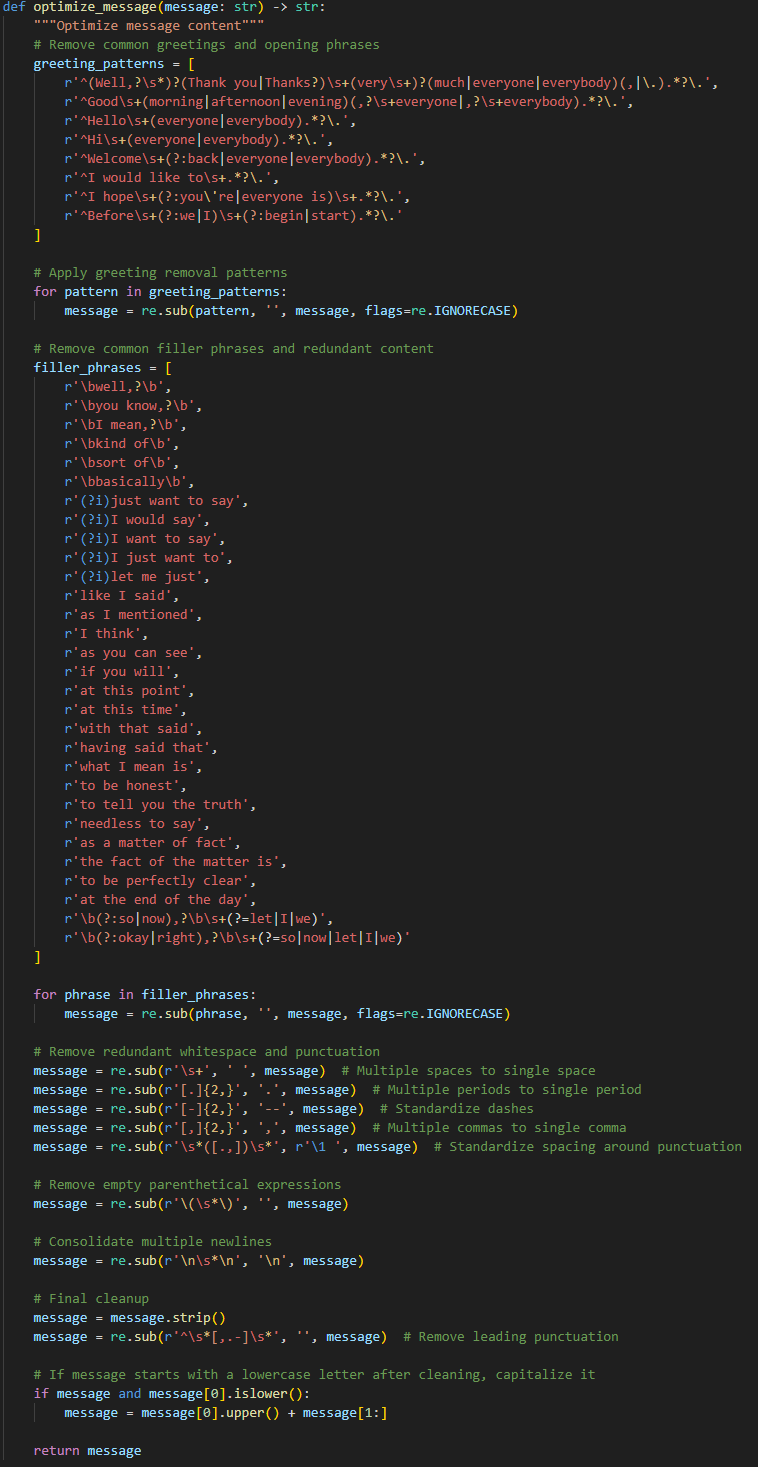
🧹 Clean and Optimize Transcript Text
- Removes greetings, filler phrases, and redundant language
- Normalizes spacing and punctuation
- Capitalizes cleaned statements
- Consolidates the transcript into a single continuous message block
📉 Analyze Token Usage and Cost
tiktoken library, the script counts the tokens required
for both full and optimized payloads. This is used to estimate GPT-4
cost per transcript and quantify the benefits of cleaning. In testing,
optimization typically reduces token count by 25 to 40 percent.🧠 Transcript Summary Generator
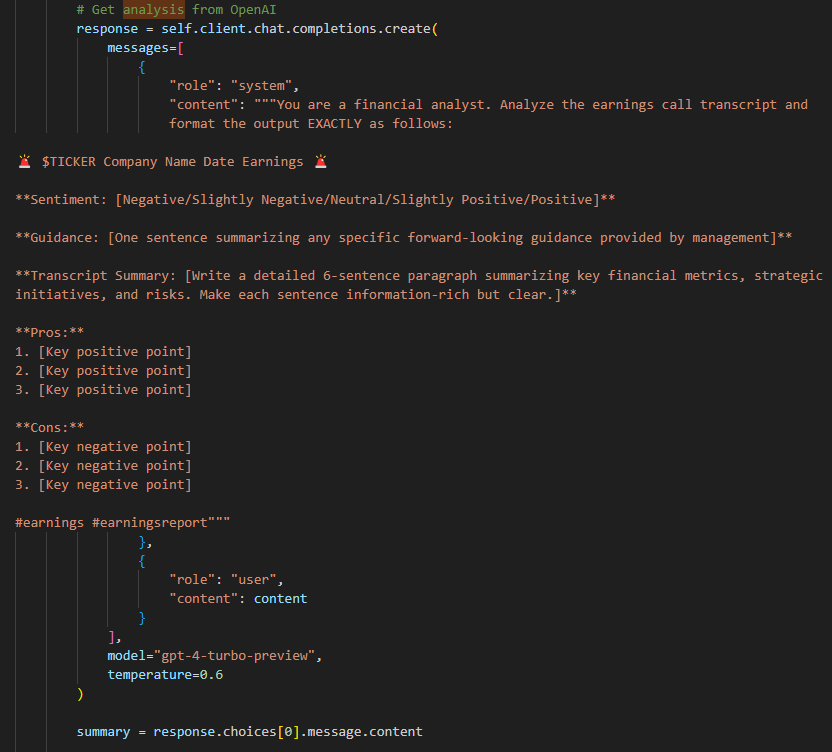
📝 Structured Prompt Engineering
- Ticker and headline
- Overall sentiment (e.g., Neutral, Slightly Positive)
- Management guidance (1 sentence)
- A six-sentence transcript summary
- Three key pros
- Three key cons
🔍 Summary Generation
gpt-4-turbo-preview, with a moderate
temperature for creativity. The summary includes forward-looking
statements, KPIs, risks, and strategic context. It's designed to help
readers understand the core of the earnings call without needing to read
the full transcript.🐦 Optional Twitter Posting
tweet_poster module to
authenticate with the Twitter API and post the summary as a single
tweet. It handles rate limiting, client initialization, and error
capture. Delays can be configured between tweets during batch runs.🔄 Batch Processing and Flexibility
- Manual input from clipboard or terminal
- JSON file path input
- Entire folder processing with optional Twitter output
🛠️ Technologies Used
- Python 3
- BeautifulSoup and requests for web scraping
- re and tiktoken for text normalization and token estimation
- OpenAI GPT-4 Turbo for summarization
- JSON and datetime for structured storage
- Twitter API via tweepy or requests
📣 Example Output
- Aggressive strategy to reignite brand momentum through sport.
- Focus on performance sports and product diversification away from declining classic franchises.
- Significant brand and marketing activities demonstrating strong engagement in key sports events.
- Revenue down 9% on a reported basis and 7% on a currency-neutral basis.
- Gross margins declined 330 basis-points due to higher markdowns and inventory challenges.
- Digital and Greater China market challenges, with aggressive but necessary marketplace clean-up actions impacting short-term performance.
✅ Conclusion
Related services
If you need this kind of work for your business, these are the closest scoped service pages.
More field notes
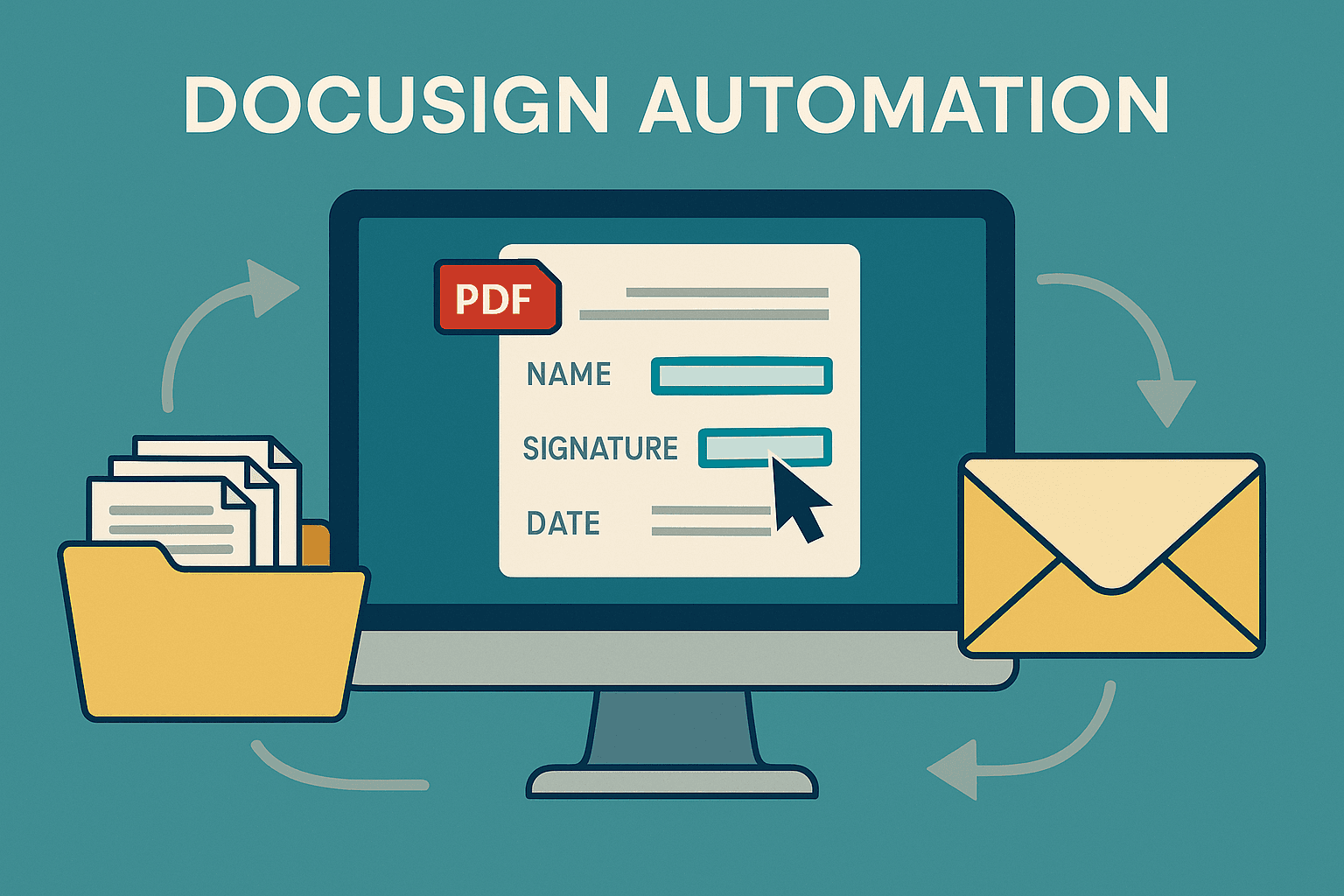
The Ultimate Guide to Enterprise Document Automation: A Deep Dive into Advanced DocuSign Integration
Explore a sophisticated Python-based DocuSign automation system with over 2,400 lines of production-ready code that transforms manual document workflows into highly efficient, scalable operations for enterprise environments.
15 min read · 2025-08-22
Read field note →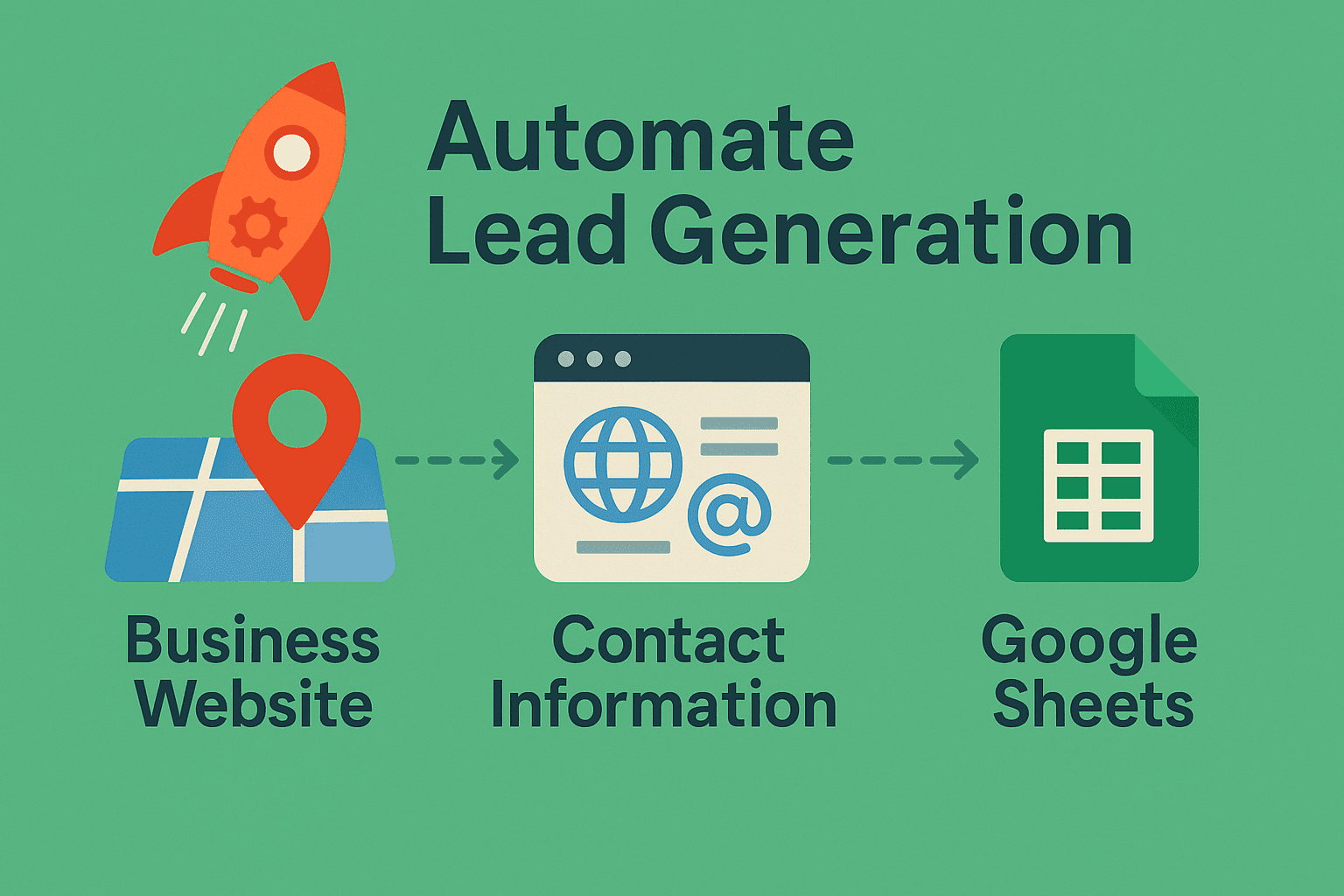
Google Maps Lead Generation: Automate Business Discovery with n8n (Step-by-Step Guide)
This workflow searches Google Maps for businesses in your niche, resolves each listing to its website, scrapes the site with polite rate-limits, extracts valid emails + company info, de-duplicates, and appends the results to Google Sheets-perfect for outbound campaigns.
7 min read · 2025-08-31
Read field note →
From Click to CRM - Automating Lead Flow from WhatConverts to Salesforce with AI-Powered Precision
Discover how to build an intelligent automation system that captures leads from WhatConverts and seamlessly integrates them into Salesforce with AI-enhanced data processing using Zapier.
5 min read · 2025-07-14
Read field note →Running into something similar?
This note is from a real constraint and a real project. If you are dealing with something adjacent, send a message or book a short call - I will give you a straight answer on scope and fit.